

This is the new Settings UI currently in Beta. It provides the same configuration options with a redesigned interface accessible from the Workspaces UI.
What are tags?
Tags are reusable text snippets that you can quickly insert into workspace prompts by typing@ followed by the tag name. When you select a tag, its content is automatically inserted at your cursor position.
Managing tags
Access tags from Settings → General → Tags. Tags are available globally across all projects in your workspace.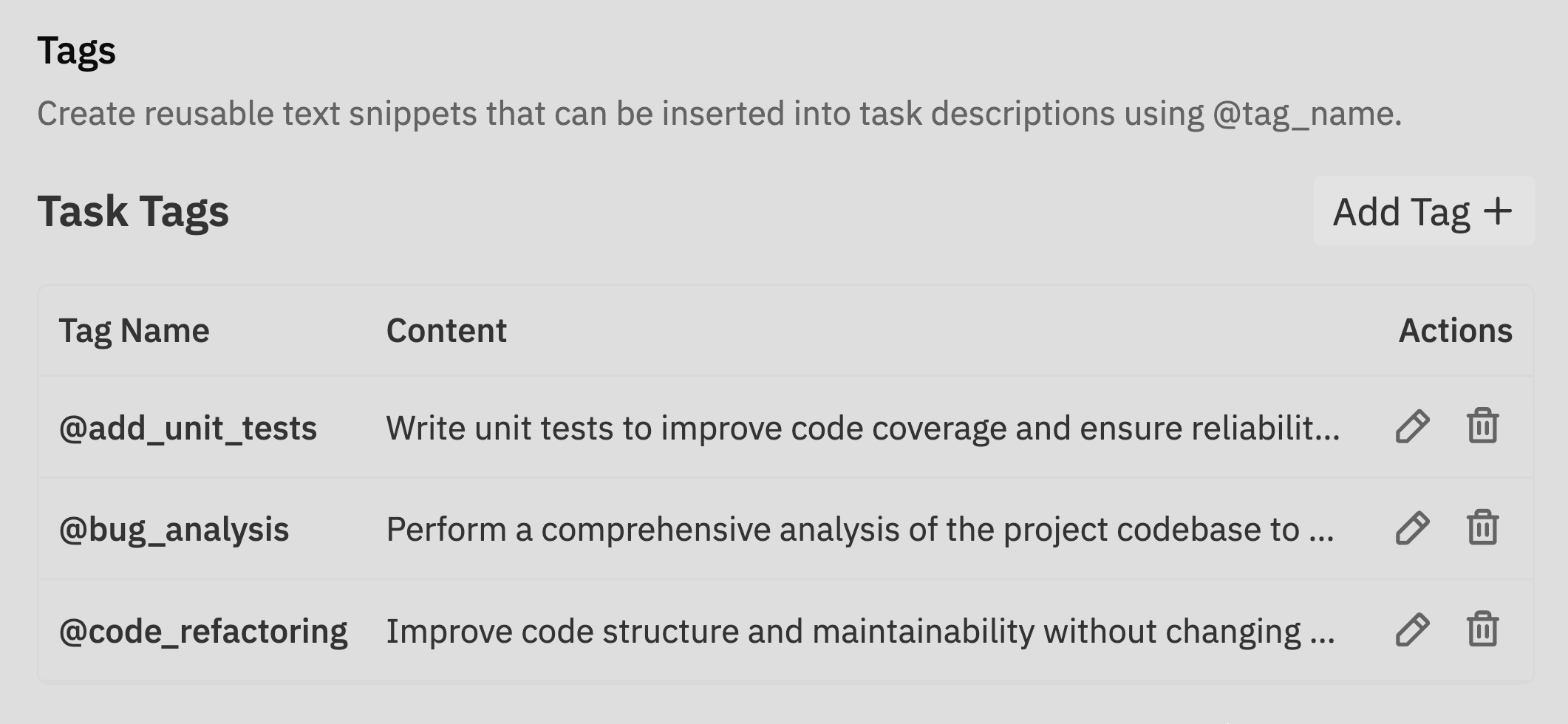
Create a new tag
Click Add Tag to create a new tag.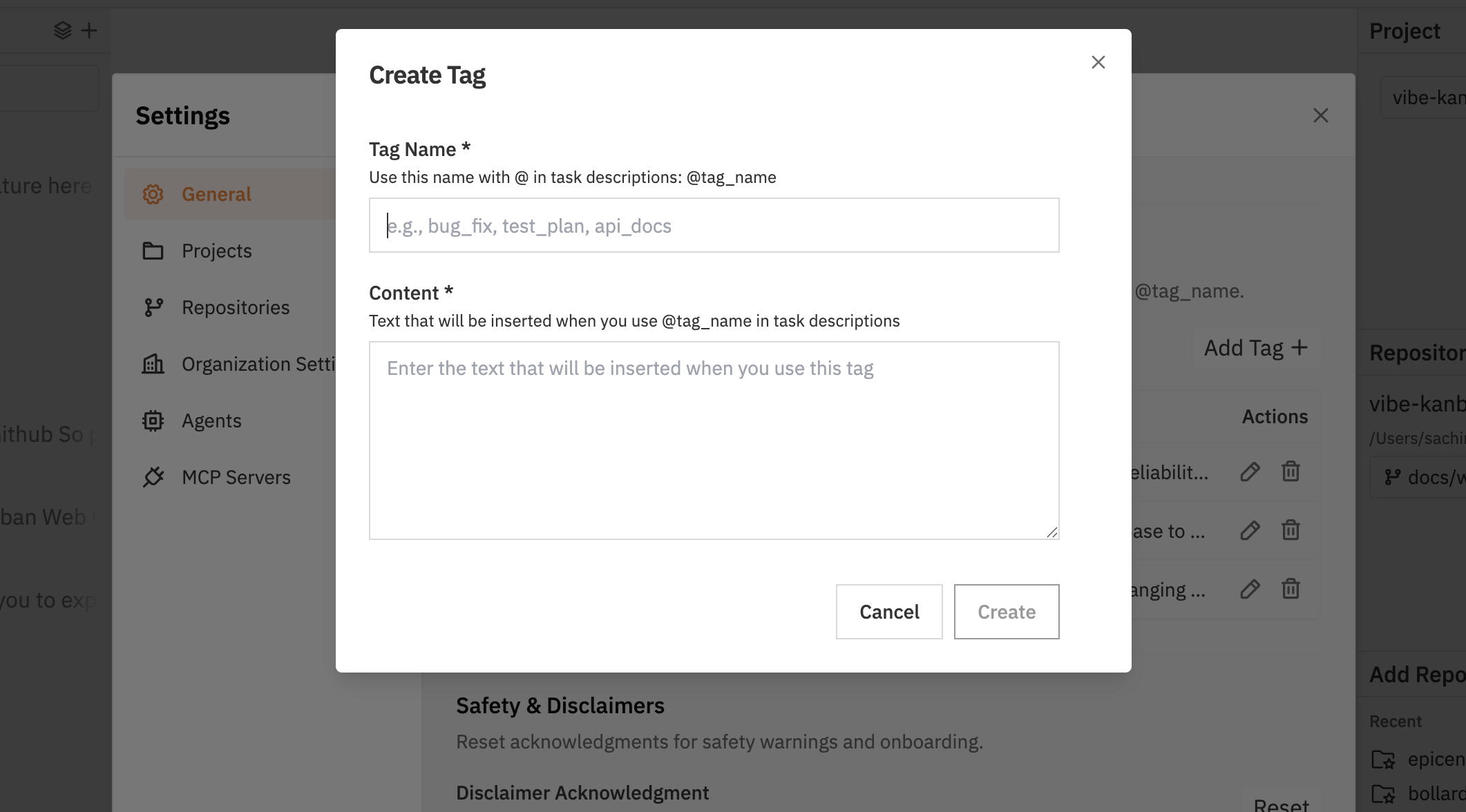
- Tag name: Use snake_case without spaces (e.g.,
acceptance_criteria) - Content: The text that will be inserted when the tag is used
Using tags
Insert tags into workspace prompts and follow-up messages using @mention autocomplete.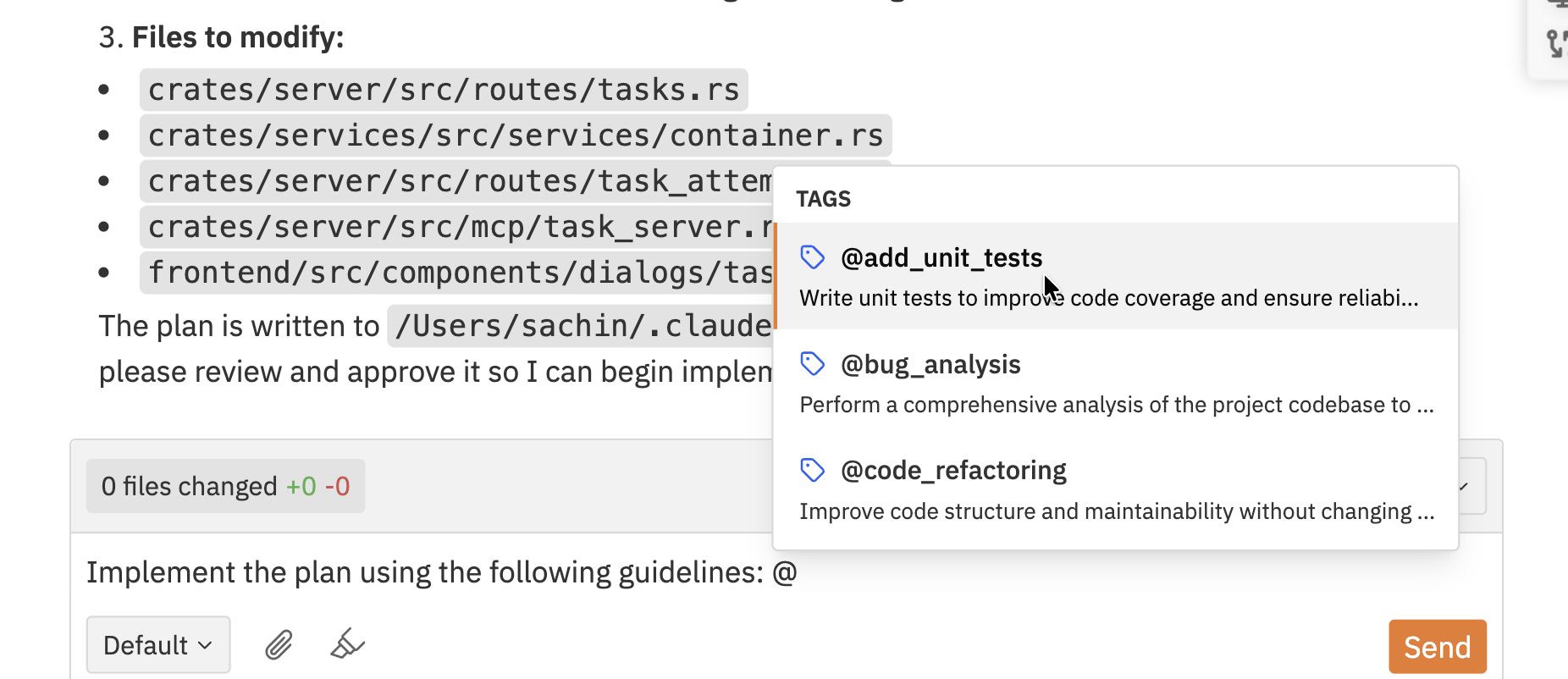
Common use cases
Bug report templates
Bug report templates
Create a
bug_report tag with standardised bug reporting fields:Acceptance criteria checklists
Acceptance criteria checklists
Create an
acceptance_criteria tag for feature requirements:Code review guidelines
Code review guidelines
Create a
code_review tag with review checklist items: